AI TOOL / #10696
CANVID for Windows
Screen recording tool with auto-enhancement to easily create professional videos.
Introduction
Screen recording tool with automatic enhancements for creating professional videos easily.
What is Canvid?
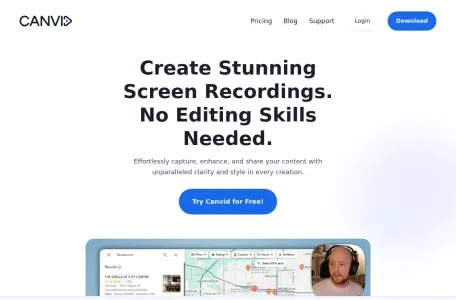
Canvid is a screen recording tool designed to easily capture, enhance and share screen recordings. It offers features like smooth mouse movement, auto-zooming, cinematic motion blur, and background effects, making it ideal for creating high-quality presentations, tutorials, and promotional videos without advanced editing skills.
How to use Canvid?
Capture the screen with just one click, enhance it with auto-zoom and AI background effects, add subtitles, and finally share the finished video instantly via cloud upload or local save.
Canvid’s core features
Auto scaling
AI background effect
Automatic subtitles and transcriptions
Simple screen recording
Share instantly
AI enhanced speech
Creative camera features
Related
AIJOURNEY
AIJourney: Discover AI tools, expert reviews, and resources to enhance productivity.
Today AI
An AI-powered news platform offering curated summaries and personalized updates on AI trends.
Break The Web
Real-time, AI-driven ranking of the most popular online conversations.
Stocknews AI
An AI-driven stock news aggregator that gathers information from over 100 different sources.
Press Release Network
News distribution and media monitoring services that enhance visibility and global coverage.
AskJesus
An AI chatbot based on Chat GPT allows users to ask Jesus any question in order to seek guidance.