AI TOOL / #02529
Text to Google Calendar
Chrome extension: Allows users to create Google Calendar events directly from highlighted text.
Introduction
Chrome extension to create Google Calendar events from highlighted text.
What is the Text to Google Calendar AI Chrome extension/plug-in?
Text to Google Calendar is a Chrome extension designed to simplify the process of creating events on Google Calendar. It allows users to highlight text from emails or web pages and convert that text into calendar events with just one click, eliminating the need to manually copy and paste event details.
How to use the Text to Google Calendar AI Chrome extension?
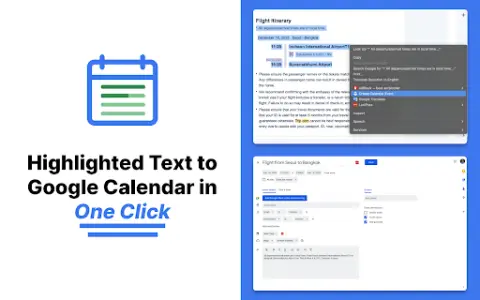
Install the Text to Calendar Chrome extension. Highlight the relevant text containing event details (date, time, description, location) on a web page or in an email. Click the extension icon, and it will automatically use the extracted information to create a Google Calendar event.
The core functionality of the Text to Google Calendar AI Chrome extension.
Click to create an event based on the highlighted text.
Automatically fill in the time zone, location, and event details.
Easily create multiple and duplicate calendar events.
Related
bookshelf
Platform for Sharing Digital Ancient Books and Precious Literature
Webnovel
International Online Literature Reading Platform
Publishers Weekly
A professional media outlet in the global publishing industry
The London Review of Books
British Independent Literary Review magazine
Library of Congress Digital Collections
Digital Collections of the Library of Congress
AbeBooks
Global Second-hand Books and Rare Collections Trading Platform