AI TOOL / #02660
Grok Button
A browser extension that provides quick access to Grok AI.
Introduction
A browser extension for quick access to Grok AI.
What is a Grok Button?
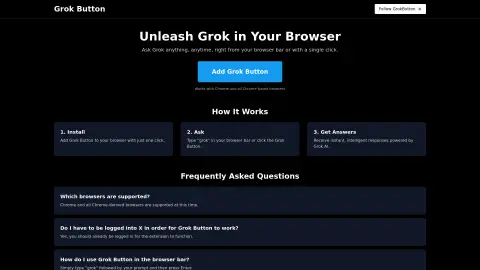
The Grok button is a browser extension that seamlessly integrates the powerful capabilities of Grok AI into your web browser. Users can submit their questions by entering “grok {your question}” in the browser address bar or by clicking the Grok button, and they will receive instant, intelligent responses.
How to use the Grok Button?
Install the Grok button extension. To use it, enter “grok” followed by your question in the browser address bar, then press Enter, or click the Grok button.
The core functionality of the Grok Button
Quickly access Grok AI from your browser.
Answer questions immediately
Integration with Chrome and Chrome-based browsers
Related
antares2goats
GOATS enables seamless querying and target selection through ANTARES.
Revent
An artificial intelligence-based data analysis platform designed for automated reporting and real-time insights.
gastrograph.com
An artificial intelligence platform that utilizes sensory data to optimize food and beverage products.
manthan.com
Manthan offers an AI-driven analytics platform for customer-centric businesses, with a focus on retail and related industries.
ClientZen
An automated customer feedback analysis platform that provides AI-driven insights and real-time monitoring capabilities.
infiniteanalytics.com
An AI-powered consumer insights platform, utilized for targeted marketing and strategic decision-making.