AI TOOL / #05503
Receipt & Invoice Capture, Match, Categorize
Clyr automates the capture, matching, and categorization of receipts and invoices to simplify expense management.
Introduction
Clyr automates receipt and invoice capture, matching, and categorization for streamlined expense management.
What is the Clyr AI Chrome extension/plugin?
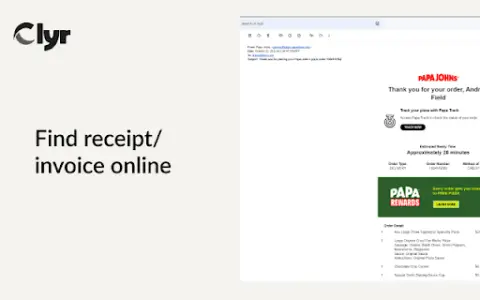
Clyr's receipt and invoice capture extension is designed to simplify expense and spend management. It automates the process of capturing, matching, and categorizing receipts and invoices, turning a multi-step process into a fast, automated operation.
How do I use the Clyr AI Chrome extension/plugin?
1. Install the Clyr extension.
2. Log in to or sign up for a Clyr account.
3. When you receive a receipt or invoice online, click the Clyr icon in the toolbar.
4. Capture an image, and it will be automatically matched and categorized in your Clyr account.
Core features of the Clyr AI Chrome extension/plugin
Receipt and invoice capture
Seamless integration with accounting platforms
Supports multiple card types
Real-time notifications
Automatic matching and intelligent classification
Related
Ojin
Real-time AI agents with visible faces and audible voices
Sophclaw
Multi-model cloud computing AI digital employees
TapNow
AI Film and TV Creation Workflow Platform
Score AI
AI music creation and distribution
Lexcat
AI Legal Case Handling Assistant
tower monkey
AI Creator Order Acceptance and Delivery Platform