AI TOOL / #06413
Audiotext AI
Audiotext AI converts audio to text, removes filler words, and offers multiple transcription styles.
Introduction
Audiotext AI converts audio to text, removing filler words and offering various transcription styles.
What is the Audiotext AI AI Chrome extension/plugin?
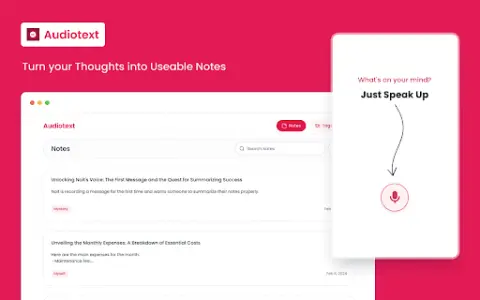
Audiotext AI can convert audio into accurate text by removing unnecessary words and generating concise summaries. It allows users to transcribe speech into text, offering multiple styles such as short summaries, bullet points, passive voice, and active voice.
How do I use the Audiotext AI Chrome extension/plugin?
1. Speak naturally, including filler words. 2. Choose a transcription style (short summary, long summary, bullet points, etc.). 3. Click "Transcribe."
Core features of the Audiotext AI Chrome extension/plugin
Audio to text
Remove unnecessary words.
Concise Summary
Rewriting with AI for style adjustment
Shareable note link
Related
Contents.com
An AI platform used for generating SEO-optimized content, marketing toolkits, and chatbots.
Pitch Avatar Customer Catcher
AI-based solutions designed to enhance presentations, generate potential clients, and support outreach activities.
Tales Factory
An artificial intelligence-based web application that can create illustrated storybooks and supports voice narration.
Oceans of AI
An Android application that aggregates a variety of free and premium artificial intelligence tools for various purposes.
WonderTale
An app that uses AI to generate personalized and magical bedtime stories.
PrankGPT
AI based prank call generator using Vocode.