AI TOOL / #06631
Voice-to-ChatGPT
Voice-controlled ChatGPT interactions via browser plug-in.
Introduction
Voice-controlled ChatGPT interaction via a browser extension.
What is the Voice-to-ChatGPT ai chrome extension/plugin?
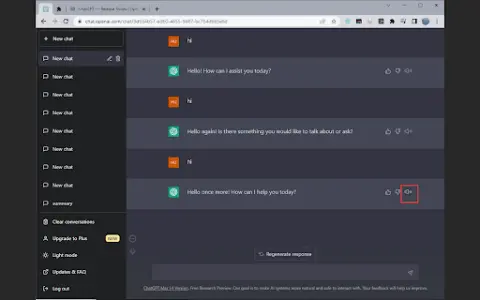
Voice Control ChatGPT is a browser plug-in that allows users to interact with the ChatGPT language model through voice. It leverages Google Chrome's speech recognition and text-to-speech technology to enable users to use voice input and audible replies from ChatGPT. Users can hold down the button to speak their question, release the button to send, and optionally cancel or edit before sending.
How to use Voice-to-ChatGPT ai chrome extension/plugin?
Open the ChatGPT homepage, press and hold the Talk button to speak, and release the button to send your question. You can cancel or edit your entry before sending.
Voice-to-ChatGPT ai chrome extension/plugin core functionality
Voice input to ChatGPT
Text-to-speech output for ChatGPT
Major languages supported
Press and talk function
Related
Vidu
A leading AI platform that converts text and images into high-quality videos.
Teamily AI
Communication tools for people and AI agents to collaborate in groups
Looper
Multi-agent Circular Scheduling Platform
Clocknext
An infrastructure for AI agents that is billed on a pay-as-you-go basis.
Maritime
Cloud-based computers for AI agents
VIP Science and Technology Innovation Assistant
The AI-based platform for the entire research process launched by VIP