AI TOOL / #07048
Honeybear.ai
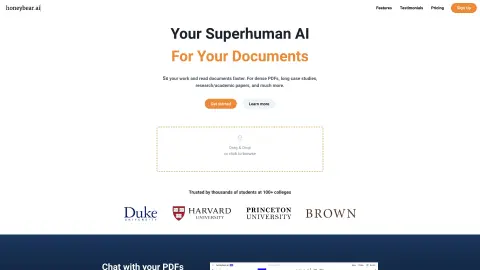
An AI assistant for PDFs, videos, and documents – capable of conducting conversations, summarizing content, and extracting information.
Introduction
AI assistant for PDFs, videos, and documents, enabling chat, summarization, and information extraction.
What is Honeybear.ai?
Honeybear.ai is an artificial intelligence assistant designed specifically to handle complex PDF files, videos, and other types of documents. It allows users to interact with any PDF document, extract key information, summarize its content, generate notes or practice questions, and much more. The software supports scanned documents and incorporates OCR technology, enabling it to process documents with up to 400 pages. It also offers features such as converting PDFs into audio books and answering questions related to images within the documents. Honeybear.ai is committed to providing high-quality, accurate, and detailed responses, always including page references.
How to use Honeybear.ai?
Users can upload PDF files, videos (.mp4 format), or paste YouTube links onto Honeybear.ai. After uploading, they can interact with the documents or videos by asking questions, requesting summaries, extracting key information, or performing other tasks. The AI will provide responses that include citations of the original sources.
The core functions of Honeybear.ai
Converse with PDFs and videos
Extract key information
summary document
Generate notes and practice questions.
Supports scanning documents that include OCR data.
Converting PDF files into audiobooks
Ask questions about the images contained in the document.
Multi-PDF Dialogue
Related
Speechforms
A voice-driven app that makes it easy to fill out and create forms using voice.
Rememo
Rememo summarizes voice memos into concise and easy-to-understand segments of information.
VoiceChatGPT
Enable voice conversations with ChatGPT on chat.openai.com.
Purpal.ai
An AI-powered assistant for content creation, speech transcription, and document management.
AI Audio Kit
MacOS applications can easily perform audio transcription using OpenAI’s Whisper API as well as other services provided by various providers.
TurboTranscript
This online platform supports the transcription, translation, and summarization of audio and video content in over 130 different languages.