AI TOOL / #07221
GPT-4 Vision Screenshot
A tool that uses GPT-4 visual AI to extract answers from screenshots.
Introduction
A tool that extracts answers from screenshots using GPT-4 Vision AI.
What is the GPT-4 Vision Screenshot AI Chrome extension/plug-in?
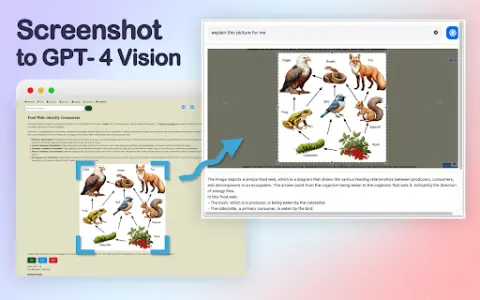
GPT-4 Visual Screenshot is an innovative tool that allows users to select any area of the screen and pose relevant questions. GPT-4 Visual then directly extracts answers from the screenshot, intelligently interpreting the visual content with remarkable accuracy. By providing a fast, in-depth, and interactive search experience, it has completely transformed the way people obtain information.
How to use the GPT-4 Vision Screenshot AI Chrome extension/plug-in?
With just a simple shortcut key, you can select any area on the screen. Once you pose a question related to the selected area, GPT-4 Vision will directly extract the answer from the screenshot.
The core functions of the GPT-4 Vision screenshot AI Chrome extension/plugin
Use GPT-4 visual AI to extract answers from screenshots.
Related
FastAi
An AI-driven content creation platform that offers SEO optimization and a variety of AI tools.
DialogusAI – Learn Language by talking to AI
A Chrome extension designed for language learning, which is capable of converting speech into text and vice versa.
Audio Transkriptor: Audio to Text
An audio-to-text tool that converts audio from various sources into text.
QuickWhisper
QuickWhisper uses OpenAI's Whisper to transcribe audio/video natively, via a Chrome extension or MacOS app.
Opusense
An AI-powered on-site inspection and reporting tool that streamlines workflows.
Kindred Tales
Kindred Tales uses prompts and artificial intelligence to create memorials for loved ones’ life stories.