AI TOOL / #07472
Iris
The ChatGPT interface on macOS, featuring quick access and versatility.
Introduction
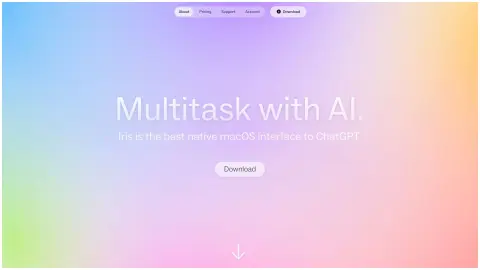
macOS interface to ChatGPT with quick access and versatile features.
What is Iris?
Iris is a native ChatGPT interface for macOS, designed to be available whenever you need it and invisible when you don’t. It lets users talk to Iris in any app, quickly capture images to discuss anything on screen, and keep their workflow going by dragging Iris to either side of the screen. It uses the latest models and offers unlimited use, natural gestures, simple keyboard shortcuts, and the ability to insert information during a response. Iris also supports Markdown and code display with syntax highlighting.
How do I use Iris?
Use natural gestures like swiping to open, close, and drag Iris. Double-press the ⌥ key to open/close Iris. Press ⌥ + Tab to drag Iris to either side. Use ⌘ + ↑ + 1 to capture the screen. Send messages to Iris at any time, even before it has finished responding.
Core Features of Iris
A native macOS interface for ChatGPT
Image Capture and Discussion
Drag to either side of the screen.
Use the latest model.
No rate limit
Natural gestures and keyboard shortcuts
Supports Markdown and code
Related
Voice Master: Speech-to-Text Converter (Voice Recognition)
A Chrome extension designed for voice-to-text conversion and AI-powered text editing.
Lucida AI
An AI-driven English speaking coach for employees, offering personalized feedback and safe language training.
Blahget
An AI-powered voice expense tracker for convenient financial management.
VoiceWave: ChatGPT Voice Control
Enhance ChatGPT's voice control, read-aloud functionality, and multilingual support.
SEEYOU – the Smart Recorder & Virtual Library
Artificial intelligence tool for perfect memory of meetings, lectures and live sessions.
Vexa
An artificial intelligence platform used for recording, transcribing, and summarizing video calls.