AI TOOL / #07482
Grab n Tag
A browser extension designed for bulk downloading images and organizing them based on tag names.
Introduction
Browser extension for batch image downloading with tag-based naming.
What is the Grab n Tag Chrome extension/plug-in?
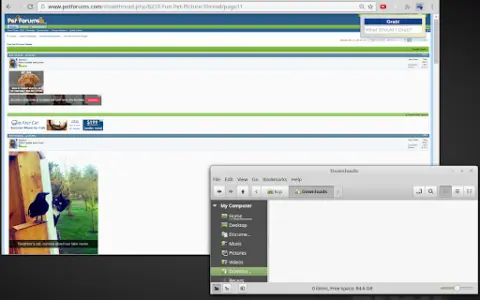
Grab and Tag is a browser extension that allows users to download multiple images from web pages in bulk and automatically assign names to them based on specified search tags. It utilizes artificial neural networks (ANNs) to analyze the images and identify those that match the given tags, making it much easier to download the relevant images without the need for manual clicking or renaming.
How to use the Grab n Tag AI Chrome extension/plug-in?
1. Navigate to the web page that contains the image.
2. Click the icon for capturing and marking.
3. Enter a search keyword (for example, “dog”), or leave it blank to retrieve all images.
4. Click “Grab!” or press Enter to download and name the image.
The core functionality of the Grab n Tag Chrome extension/plugin.
Batch image download
Tag-based image naming
Using artificial neural networks (ANNs) for image analysis
non-invasive interface
Related
Scispace
The AI assistant can quickly read and understand scientific papers, providing explanations and summaries.
Indie Hacker Stacks
Tools for independent developers
GPTs Hunter
A powerful, free navigation website
TemPolor
An AI music platform that generates customizable music without any copyright restrictions.
AI Content Detector
Evaluate the accuracy of 13 AI detectors in identifying content generated by artificial intelligence in the year 2025.
Riffusion
Generative AI musical instruments enable the creation, remixing, and sharing of high-quality songs based on textual prompts.